Showing posts with label Google Drive. Show all posts

Saturday, January 25, 2020

Acrobat Reader is now accessible from Google Drive to add/reply to comments.

Adobe added a nice feature to Acrobat Reader for Android allowing users to quickly annotate files on Google Drive without leaving the app. Once annotated, any persons with access to the file will be able to reply to and see comments from other users for discussions. In addition, comments can be edited and all changed saved within the file back to Google Drive.

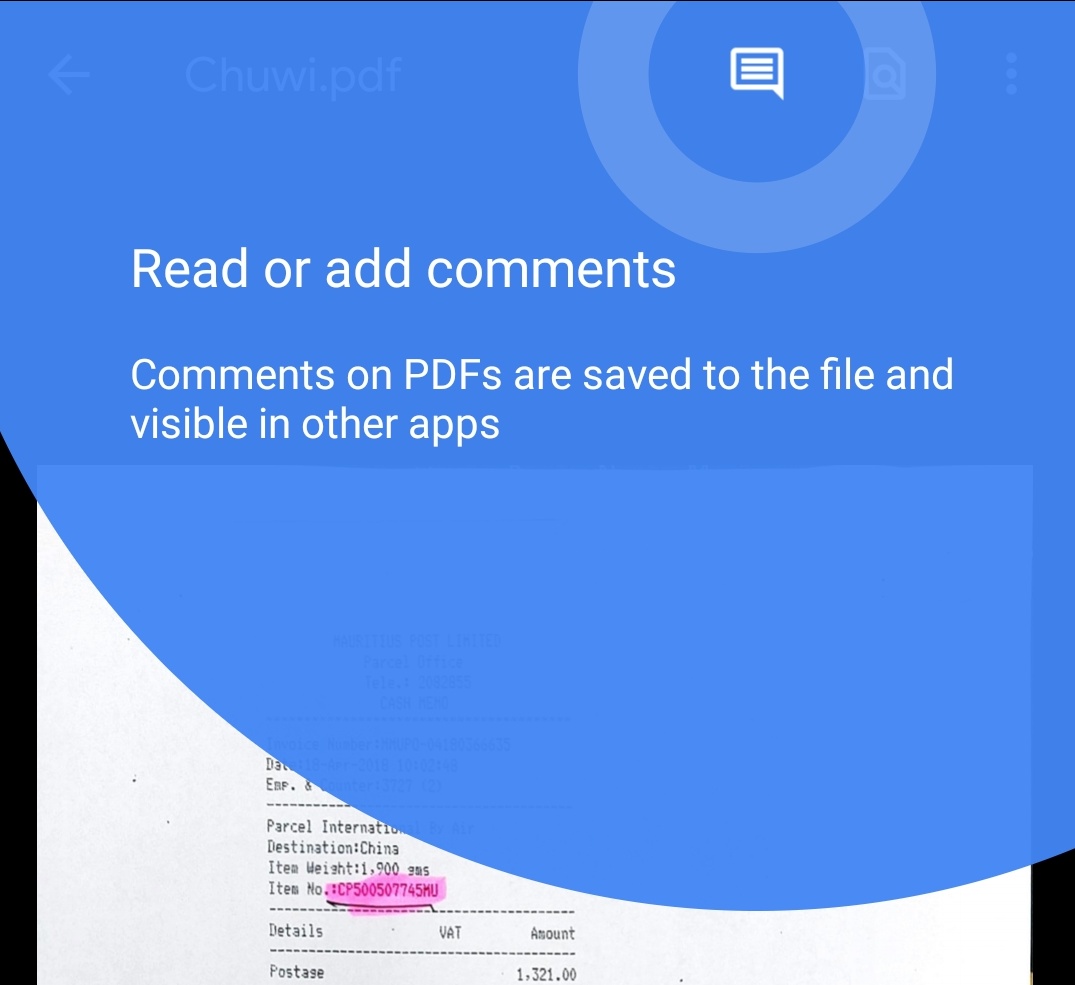
To add a comment, tap the new comment icon at the top of the screen. Then tap "Add new" under the pdf file. Tap an area to comment on and "add comment". Type your comment and tap "Comment" to post your comment. It's that easy.

Adobe also improved multi-identity support for Microsoft Intune users. Microsoft Intune is a cloud-based management solution for mobile devices and operating system management. This update also includes the usual improved performance and stability.

Adobe Acrobat for Android can be downloaded free on Google Play Store.

Wednesday, July 4, 2018

Google Drive now supports opening and viewing password-protected Microsoft Office files.

Today Google Drive for Android has been updated with Google's cloud storage service now supporting opening and viewing password-protected Microsoft office files. This is a great addition for all of us using Microsoft Office. The latter remains the gold standard as productivity tools with users and enterprises alike and it's great to see Google adding more support to the world's number one productivity tool.

Now, no matter how useful this feature is to Google Drive users, I have a word of advice. Password-protecting an Excel, Word or PowerPoint file prevent others from accessing these files and that is good. However, Microsoft cannot help you retrieve the password should you forget it. There is no official tool from Microsoft. So make sure that you use a password that is memorable, otherwise, you'll have to resort to third-party solutions, some of which are free and some not. In either case, that implies making your files and content available to whichever solution you choose. Definitely not a secure way to retrieve your password and protect your content.

This update also includes the usual bug fixes and performance improvements and is available in Google Play Store for download.

Friday, February 23, 2018

Files Go now supports backup to Google Drive.

In November last year, Google released Files Go beta, a simple file manager app for Android and Android Go. Quickly after, Files Go exited beta in December and was made available for all to download. Today, Google has updated the app with Google Drive integration for backup. When selecting one or multiple files, File Go will now display a new shortcut to backup the file to Google Drive, similar to sharing the file to Google Drive app.
This update coincides with the debut of Mobile World Congress next Monday in Barcelona where Google, or at least its partners, will unveil new Android devices running Android Go, the latest iteration of Android designed primarily for low specs devices. Android Go will feature on devices running on 1GB of memory or less, as well as small amount of storage and processing power. These smartphones are expected to be affordable and, "in some cases less than $50."
Android Go phones will come with a set of optimized apps and they include Gmail Go, Google Assistant, Google Go, Chrome, YouTube Go, Maps Go, and Play Store. "Starting next week, you'll see the first set of Android Oreo (Go edition) phones, and soon after they'll be available for you to purchase.", google said.
Until next week, download Files Go in Google Play Store.

Wednesday, March 15, 2017

Viber added support for Western Union to send money from the U.S. to anyone in 200 countries.

Viber is rolling out a pretty big update today for Android and some of those new features are more like playing catch-up with competing messaging platform. The new version introduces a backup and restore mechanism should users have to either factory reset their devices or simply, for some reason, uninstall and reinstall Viber on their phones. However, Viber will only backup your text messages to Google Drive. Should your messages contain, pictures, GIFs etc, you're out of luck as they will be ignored. One more thing, data saved to Google Drive is no longer protected by Viber encryption; Your messages will be plain visible to anyone with access to your Google Drive. Another thing, there is no way to automate or schedule regular backups of your data in Viber. It has to be done manually, but hopefully, Viber will improve on that in a future update.

What's a messaging app without support for animated GIFs? Again, with all popular competing platforms already offering this feature, it's great for Viber users to finally be able to add animated GIFs to their messages.

Viber also added support for Western Union to allow users to send money from the U.S. to anyone "in more than 200 countries and territories." Cash can even be sent to bank accounts directly, but this service is available "in nearly 50 countries" only.

These are some great features with some that Viber needs to do some work to improve. In the mean time, download the update in Google Play Store.

Thursday, February 9, 2017

Insert videos in Google Slides from Google drive and YouTube.


Today, Google made it possible to insert videos in presentations from Google Drive and YouTube. After inserting the videos in Google Slides, users will have the option to choose when to start or end the video; whether the video should auto-play when presenting. Additionally, users will also have the option to mute or play the video with audio by doing right-click on the video and choosing Video options


Inserted videos can be played both on the web or a mobile device. However, inserting videos to Google Slides is only supported on the web. For those viewing the presentation and do not have permission to view the embedded video, can always request request access.

Friday, August 5, 2016

Google improves file previewing of Microsoft Office, PDF and images file in Google Drive on web.

Like most cloud storage apps, there is a feature in Google Drive for previewing several file types within the app and today Google has improved this feature in Google Drive on the web. The preview feature supports Microsoft Office, Adobe Acrobat or photo editors available in Gmail, Inbox and Google Drive.  Its very useful if you do not have these files installed on your device.


Here's what is improved:


  • Cleaner interface: Buttons and toolbars stay out of the way when you’re not using them.
  • Spreadsheet zooming support: If you preview spreadsheet files in Drive, you can now zoom in and out to inspect specific cells. This complements earlier launched improvements where we added support for frozen rows and columns, and the ability to switch between sheets.
  • Simpler zooming for document files: Zoom buttons are now easier to find and make images and documents larger than you could before.

    The new features will be rolling out in the next 2 or 3 days.

    Source: Google

  • Wednesday, March 16, 2016

    Google will soon let you set expiration dates on files in Google Drive, Docs, Sheets and Slides.


    As a System Admin, I get to work with various people internally and externally, the latter being either colleagues from other regions or contractors, but in both cases accounts must be created and access to company resources granted to outsiders. It can be tedious for contractors working on a particular time limited project because it is so easy to forget to remove access after the projects is complete. Enter expiration date.

    In an upcoming update to Google Drive, Docs, Sheets and Slides, Systems Admins will be able to set expiration date for specific user access to files in one of the above-mentioned apps. The scenario is quite simple. If a project lasts a month, you will be able to grant access to contractor for the duration of the project. After completion of the project, access to the file will be automatically denied to contractor if he/she tries to access it again. However, according to Google, "you’ll only be able to set expiration dates for users with comment or view access; you will not be able to set expiration dates for file owners or users with edit access."

    Note that this "expiration date" feature is intended for business only and will not be available until mid- to late Q2 2016.

    Source: Google

    Thursday, November 29, 2012

    Google Drive now supports spreadsheet editing on smartphone.

    The latest update to Google Drive for Android and iOS now supports spreadsheet editing in new native editor. Users can also create new spreadsheets on a device. Google Docs also gets new capabilities with Copy/Paste maintaining formatting.

    See the change log below:
    1. Edit Google spreadsheets in new native editor
    2. Edit contents of tables in Google Docs editor
    3. Formatting is maintained when copy/pasting within Google Docs
    4. Single tap to enter edit mode in Google Docs editor
    5. Add a shortcut to Drive files/folders to your homescreen for quick access
    6. Send Link now supports copying link to clipboard


    Download Google Drive.