Showing posts with label Documents. Show all posts

Saturday, January 25, 2020

Acrobat Reader is now accessible from Google Drive to add/reply to comments.

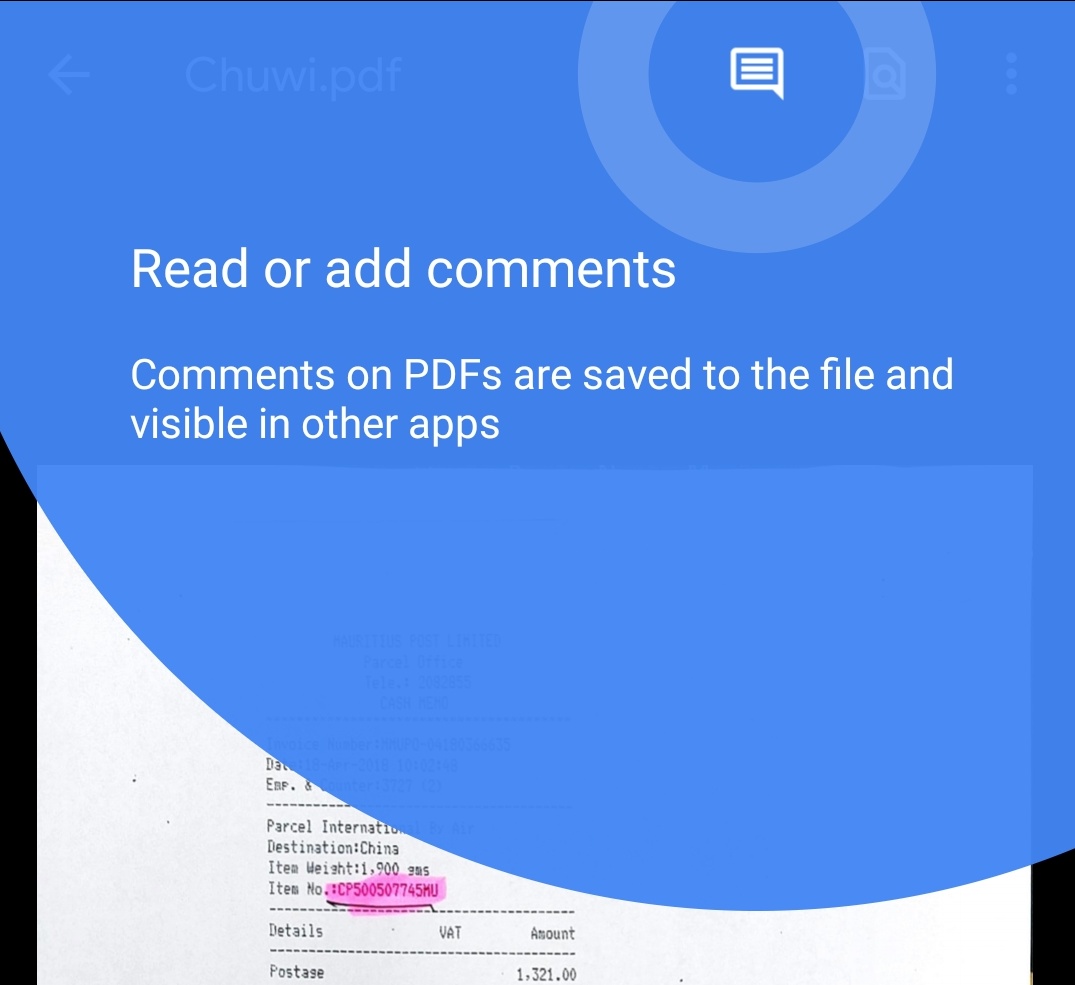
Adobe added a nice feature to Acrobat Reader for Android allowing users to quickly annotate files on Google Drive without leaving the app. Once annotated, any persons with access to the file will be able to reply to and see comments from other users for discussions. In addition, comments can be edited and all changed saved within the file back to Google Drive.

To add a comment, tap the new comment icon at the top of the screen. Then tap "Add new" under the pdf file. Tap an area to comment on and "add comment". Type your comment and tap "Comment" to post your comment. It's that easy.

Adobe also improved multi-identity support for Microsoft Intune users. Microsoft Intune is a cloud-based management solution for mobile devices and operating system management. This update also includes the usual improved performance and stability.

Adobe Acrobat for Android can be downloaded free on Google Play Store.

Saturday, December 23, 2017

Yahoo Mail now supports Android 8.0 Oreo, photos and documents Smart Views.


Back in June Yahoo Mail for Android introduced Smart Views, a new feature that gave users easy access to Smart Views and their recent searches right beneath the Search bar. The app made it easier to filter the searches by category without having to manually navigate to the default folder category: People, Travel, Shopping, Social, Finance. Today’s update adds more features to Smart Views.

Users will now be able to see every photos and documents they sent as attachment right in Smart Views. This applies to all attachments sent and received within the app. A nice addition which will avoid having to hunt down the email with a particular attachment. The change log does say anything about the number of attachments that will be listed in Smart Views and for how long they will remain there. But this feature is very helpful. There’s a similar feature in Outlook 2016 on the PC and I use it quite often.

This update also makes Yahoo Mail compatible with Android Oreo 8.0. Here again, Yahoo does not say to what extent, but I assume users will see features like group notifications, for example.

If you’re a Yahoo Mail user, make sure you get the update in Google Play.
Saturday, July 15, 2017

WhatsApp adds support for sending documents of any type and text formatting in latest update

If you are not in the WhatsApp beta program, you should check the latest update that was published to the store earlier today. As a member of the beta program, I have been using these new features for a while now and it is great to see WhatsApp finally bringing them to the masses. And if you want to be among the first to try these new features, I strongly advise you join the beta program. You can do that in the apps page in Google Play Store. Let’s see what’s new in this update.

WhatsApp will now let you send files of any type as attachment by tapping the attach icon within the app. Prior to this update, and if I’m not mistaken, WhatsApp only supported PDF files. With this update, WhatsApp supports any file type you have stored on your device.

WhatsApp also improved the camera feature in that users will be able to swipe up to see all their photos and videos on the device. A quick and easy way to attach these files to a message with less navigation.

Since WhatsApp is all about messaging that involves mainly text, users will be able to format text to make them bold, strikethrough or italicize. To do this, users must tap and hold to select a word or more and select whichever format they want from the contextual menu.

Finally, WhatsApp made some design improvements for voice and video calls. 

Make sure to update WhatsApp on your device to enjoy these new features. It is a free update in Google Play Store.